GP10 installer fails during the SQL Server installation stage
We have encountered an issue on some newer Windows 11 machines where the GP10 installer fails during the SQL Server installation stage.
This is a Windows / Microsoft SQL Server issue rather than a GuardPoint10 fault, so it is not something we have direct control over within GP10 itself. However, it is a known issue and we can certainly help diagnose and resolve it.
The problem can occur when Windows reports the physical sector size of the system drive as being greater than 4096 bytes. SQL Server can then fail to start correctly during installation.
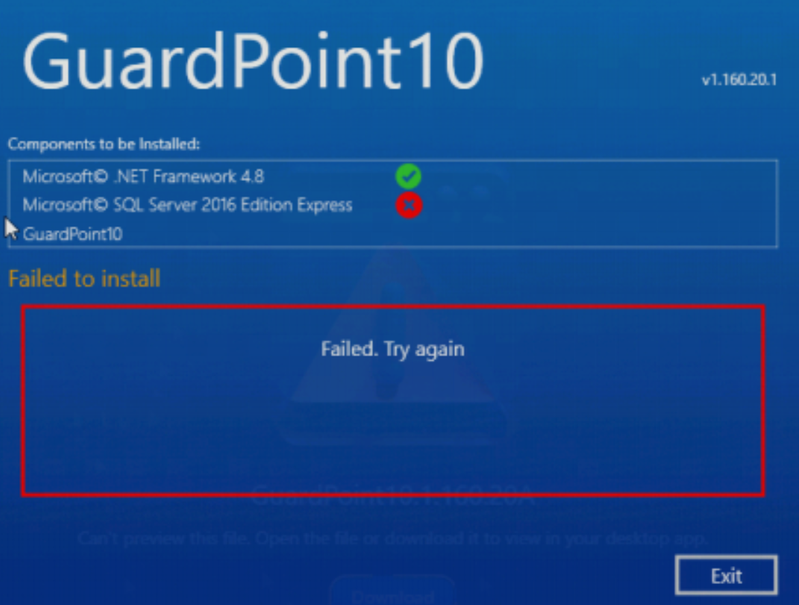
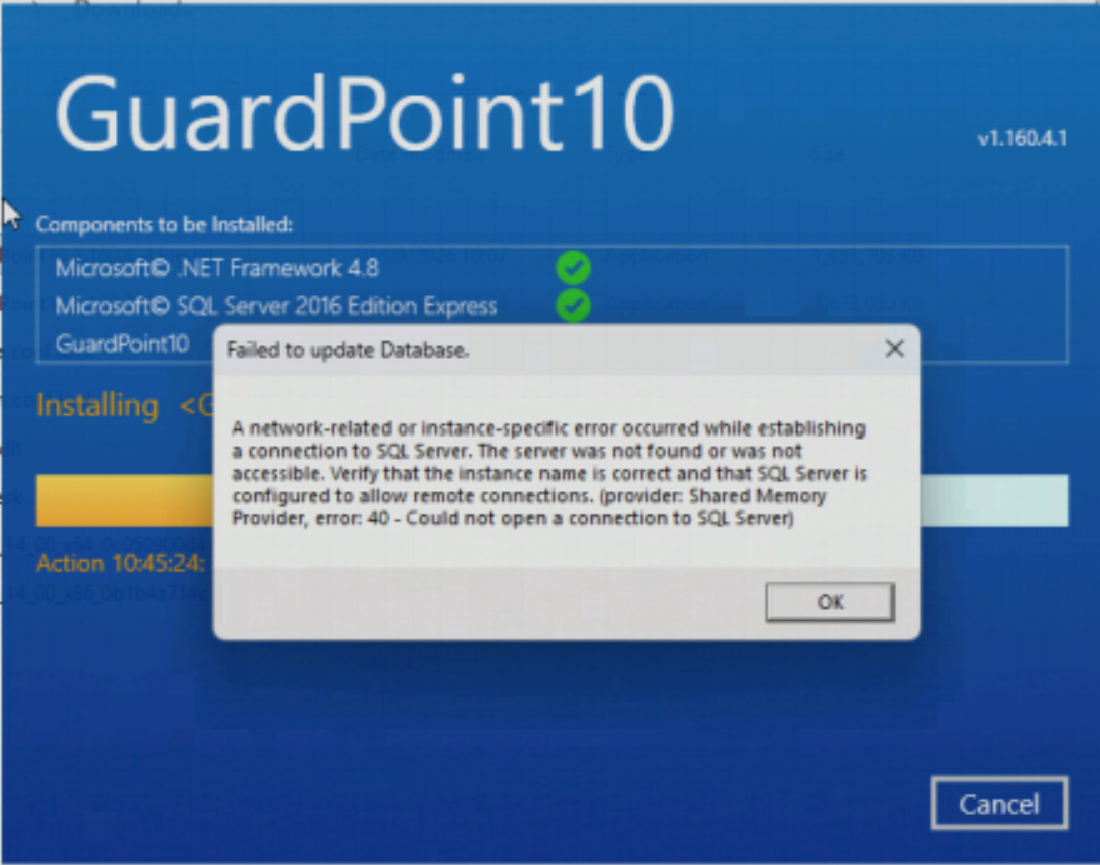
A typical GP10 install log may show SQL failing with an error such as:
0x851A001A Wait on the Database Engine recovery handle failedTo check and resolve it:
Open Command Prompt as Administrator.
Run: fsutil fsinfo sectorinfo C:
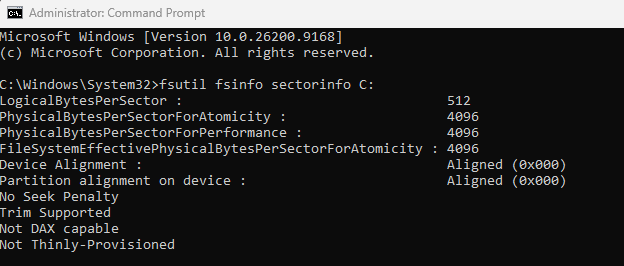
Check these two values:PhysicalBytesPerSectorForAtomicityPhysicalBytesPerSectorForPerformance
Use the larger of the two values.
If either value is greater than: 4096
for example: 32768, then this is likely the cause of the SQL installation failure.
From the same Administrator Command Prompt, run:
REG ADD "HKLM\SYSTEM\CurrentControlSet\Services\stornvme\Parameters\Device" /v "ForcedPhysicalSectorSizeInBytes" /t REG_MULTI_SZ /d "* 4095" /f
Reboot the PC.
After rebooting, run the sector check again:
fsutil fsinfo sectorinfo C:
Confirm that the physical sector size is now reporting 4096 rather than the higher value.
If GP10 has already attempted to install SQL and failed, remove the failed SQL Server 2016 / AC8SQL installation before retrying.
- Check Apps & Features / Programs and Features and uninstall the failed SQL Server installation/instance.
- If necessary, also check Windows Services and make sure there is not still a failed service left behind:
SQL Server (AC8SQL)
Be careful if the machine already has another SQL instance used by other software — only remove the failed GP10/AC8SQL installation.
- Reboot again if required.
- Run the GP10 installer again as Administrator and allow it to install SQL from scratch.
If the sector size is already 4096, or SQL still fails after carrying out the above, collect the GP10 installation log and the SQL Server setup logs so we can investigate further.
For internal reference, this is the Microsoft-documented issue:
https://learn.microsoft.com/en-us/troubleshoot/sql/database-engine/database-file-operations/troubleshoot-os-4kb-disk-sector-size?tabs=registry-editor
Was this article helpful?
That’s Great!
Thank you for your feedback
Sorry! We couldn't be helpful
Thank you for your feedback
Feedback sent
We appreciate your effort and will try to fix the article