Mobile Key
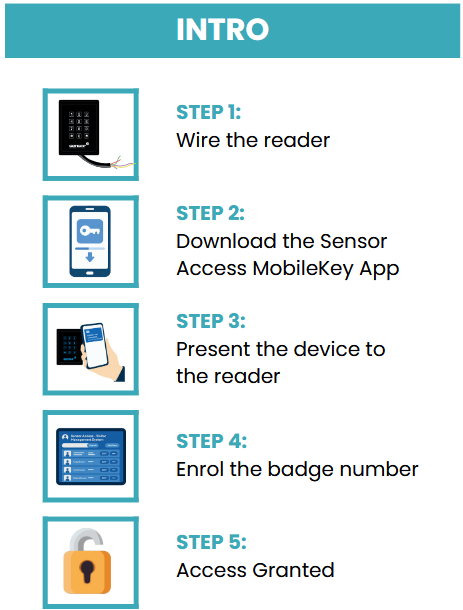
Mobile Key is a free virtual access credential that stores a secure access card on a compatible smartphone. The phone communicates with compatible Sensor Access readers using NFC, allowing it to be presented in the same way as a physical DESFire card.
The application does not require Bluetooth to remain enabled and is fully compatible with the Sensor Access DF Series reader range.
The app is available on Android and iOS devices, although the iPhone version is currently limited to users within the European Economic Area.
Android download
Download Mobile Key from Google Play
Apple download
Download Mobile Key from Apple Store
When the App is installed, it automatically generates a secure, device-specific badge number based on the phone’s unique identity.
This badge number is unique per device and can be enrolled directly onto any access control system which supports the Wiegand protocol. These random badge numbers require no manual badge creation in the App.
Programming Mobile Key
- Install and open Mobile Key on the smartphone.
- Display or activate the virtual credential within the application.
- Hold the phone against the NFC area of the ACR1252U.
- In the DesfirePersoTool, tick User Defined Card Code.
- Enter the required card number.
- Click Create Sensor Application.
- Keep the phone against the reader until programming is complete.
- Click Read CSN and Desfire ID to verify the credential.
The phone may need to be re-positioned slightly to align its internal NFC antenna with the desktop reader.
Click here for a Quick Start Guide on MobileKey
Was this article helpful?
That’s Great!
Thank you for your feedback
Sorry! We couldn't be helpful
Thank you for your feedback
Feedback sent
We appreciate your effort and will try to fix the article